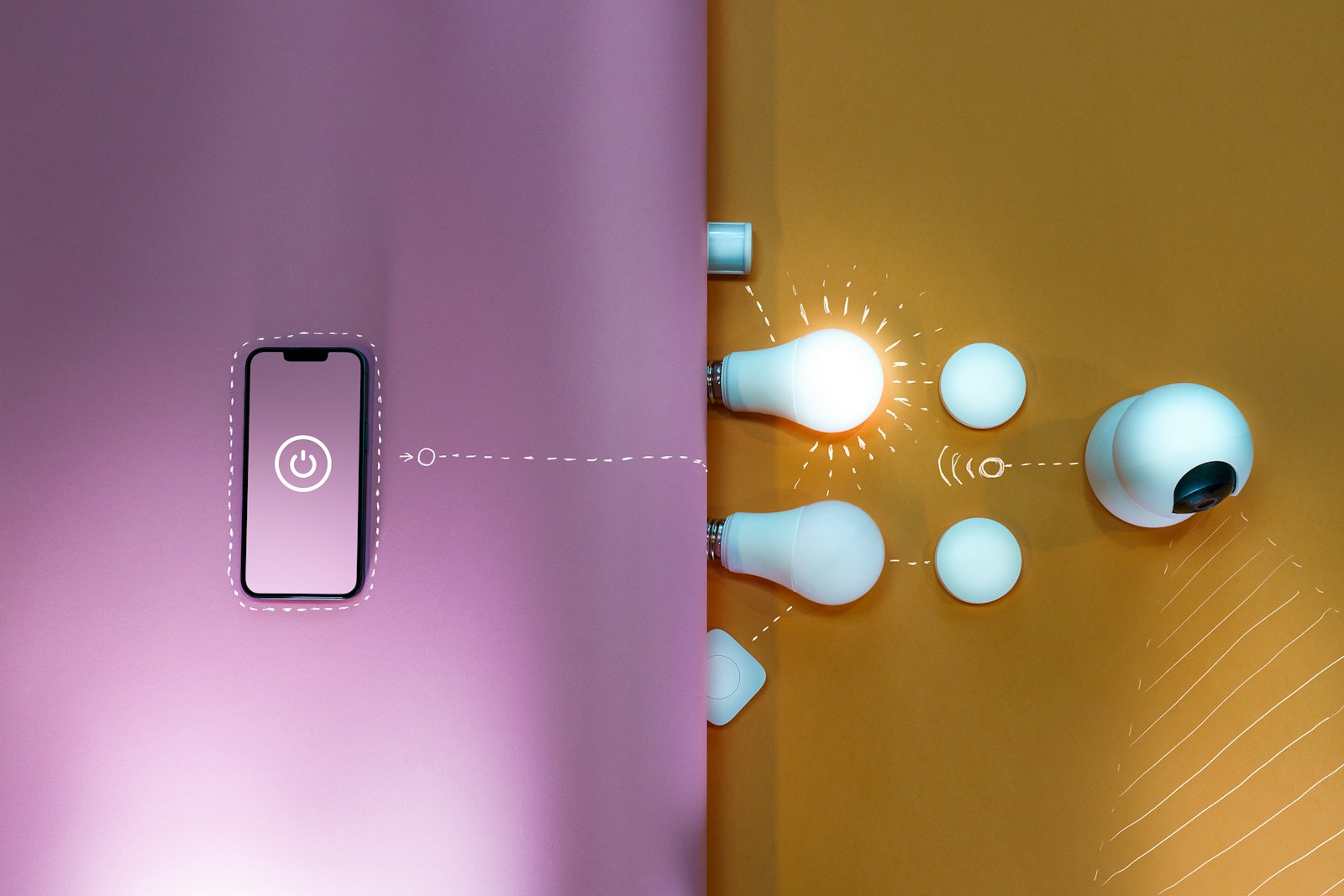
Smart home technology can make everyday life easier, safer, and more comfortable. From smart lights and thermostats to motion sensors, security devices, and automated routines, there are countless ways to make your home smarter.
But adding more devices doesn't necessarily make a smart home better.
A well-designed smart home should be easy to use, reliable, and helpful without constantly demanding your attention. The best automations are often the ones you barely notice because they simply work in the background.
Whether you're starting with a few smart switches or planning a whole-home automation system, this guide will help you build a smarter home without making it unnecessarily complicated.
What Makes a Good Smart Home?
Before buying devices, think about what you actually want your smart home to accomplish.
Three goals are particularly important:
1. It Should Be Easy to Use
Your family shouldn't need to remember complicated voice commands or open multiple apps just to turn on a light.
Smart technology should make everyday tasks easier—not create additional steps.
2. It Should Work for Everyone
A smart home should be comfortable for everyone who lives there.
For example, a smart light switch should still work like a normal switch when someone doesn't want to use an app or voice assistant.
3. It Should Be Reliable
A smart home can quickly become frustrating if devices constantly disconnect or automations stop working.
When choosing equipment, consider reliability, compatibility, network coverage, software support, and whether the device can continue working if an internet connection is temporarily unavailable.
Start With Smart Switches
If you're new to smart home technology, smart switches are one of the easiest places to start.
Instead of replacing every light fixture with a smart bulb, you can install smart switches that allow normal physical control while also enabling automation.
For example, you could create an automation that:
- Turns hallway lights on when motion is detected at night
- Turns exterior lights on around sunset
- Automatically turns lights off when everyone leaves
- Dims bedroom lights at bedtime
- Turns off selected lights when the house enters "Away" mode
The biggest advantage is that family members can continue using the switches normally.
Use Sensors Instead of Constantly Controlling Devices
One of the most useful principles in home automation is to let sensors trigger actions automatically.
Instead of telling your smart home what to do every time, your home can respond to what's happening.
Examples include:
- Motion detected → turn on a hallway light
- Door opened → turn on an entry light
- Garage door opened → turn on garage lights
- Person detected at the front door → send a notification
- Temperature changes → adjust the thermostat
- No motion for a certain period → turn off lights
This is where a smart home can start feeling genuinely useful.
The goal isn't to have more gadgets. The goal is to reduce repetitive tasks.
Don't Depend Entirely on Voice Commands
Voice assistants can be useful, particularly for simple tasks such as playing music, setting timers, or controlling a few devices.
However, using voice commands for everything can become inconvenient.
You may need to remember the exact command, repeat yourself, or deal with situations where someone doesn't want to speak to a voice assistant.
A better approach is to use voice control as one option, rather than making it the primary control method for your entire home.
Create a Central Dashboard
If you have devices from several manufacturers, you may end up with a collection of different apps.
- One app controls the lights.
- Another controls the thermostat.
- Another controls security cameras.
- Another controls smart plugs.
Eventually, managing everything can become confusing.
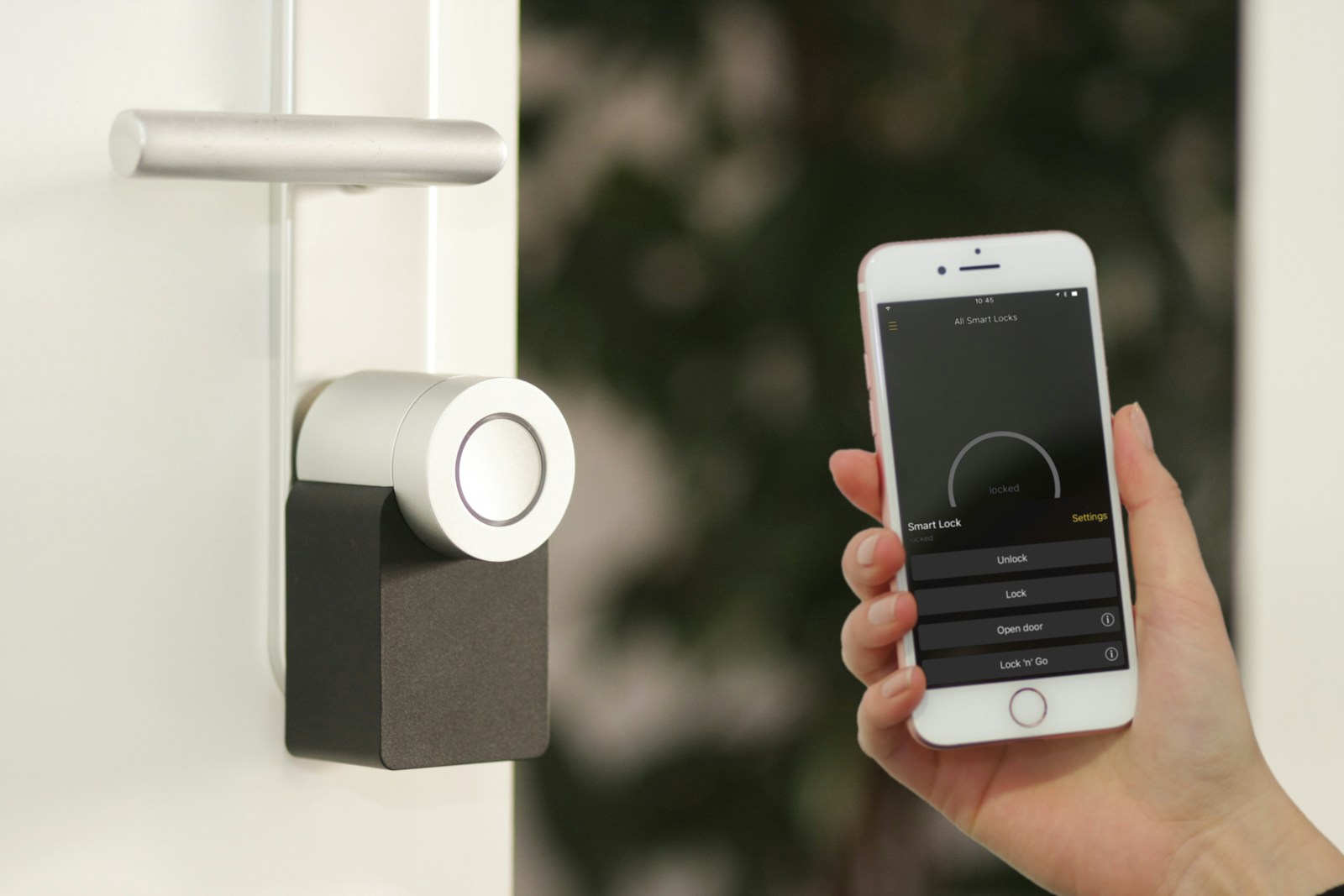
A central smart home platform can bring compatible devices together into one dashboard. This gives you a convenient way to see and control your home from a phone, tablet, or dedicated display.
It can also make it easier for other family members to control the system.
Choose Your Smart Home Platform Carefully
The platform you choose can have a major impact on your experience.
Some systems prioritize simplicity and are designed for homeowners who want minimal setup. Others provide much more flexibility and customization but may require more technical knowledge.
Before choosing a platform, ask yourself:
- How many devices do I plan to install?
- Do I want advanced automations?
- How important is local control?
- Do I want to use devices from different manufacturers?
- Am I comfortable troubleshooting technology?
- Will other family members easily understand the system?
- What happens if my internet connection goes down?
A more advanced system isn't automatically better for everyone.
The best system is the one that matches your technical comfort level and your home's needs.
Understand Smart Home Connectivity
Smart home devices can communicate using several different technologies.
Common options include:
- Wi-Fi
- Zigbee
- Z-Wave
- Thread
- Matter
Each has advantages and limitations.
Wi-Fi
Wi-Fi devices are convenient because most homes already have a Wi-Fi network.
However, adding dozens of connected devices can put additional demands on your network, particularly if your router or wireless coverage isn't adequate.
Zigbee and Z-Wave
These technologies are commonly used for smart home sensors, switches, plugs, and other devices.
Many devices can create a mesh network, allowing devices to communicate with one another across the home.
Thread
Thread is a low-power mesh networking technology designed for smart home and IoT devices.
It is becoming increasingly important in the smart home ecosystem.
Matter
Matter is a smart home interoperability standard intended to make devices from different manufacturers work together more easily.
When purchasing new devices, checking Matter compatibility can be useful, but don't assume that every non-Matter device is a bad choice. Compatibility with your existing ecosystem, reliability, features, and local-control capabilities can be equally important.
Don't Automatically Avoid Wi-Fi Smart Devices
You may hear advice saying that you should never use Wi-Fi smart home devices.
That's too simplistic.
A well-designed home network with a capable router and good wireless coverage can support many smart home devices.
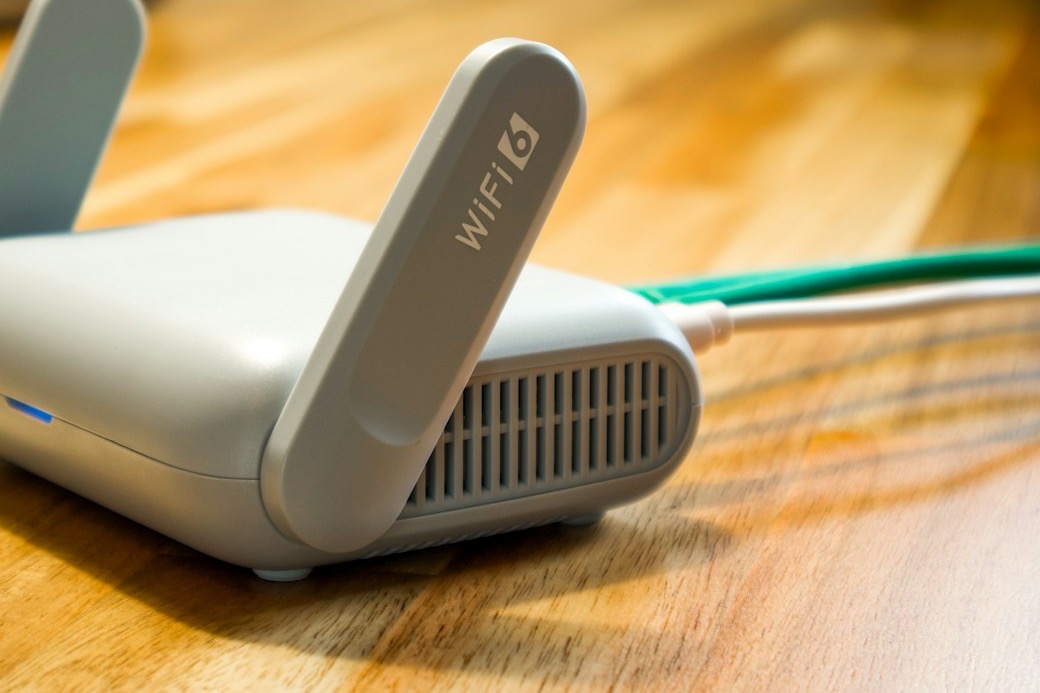
If your Wi-Fi is already unreliable, however, adding more connected devices isn't going to solve the problem.
Before expanding your smart home, make sure you have:
- Good router coverage
- Adequate Wi-Fi capacity
- Strong signal in important areas
- Properly configured access points or mesh networking
- Reliable internet equipment
In many cases, improving your home network can be just as important as buying new smart devices.
Prioritize Devices That Don't Depend Entirely on the Cloud
Long-term reliability is an important consideration when purchasing smart home equipment.
Some devices depend heavily on the manufacturer's cloud service. If the service experiences an outage—or eventually gets discontinued—you may lose functionality.
Whenever possible, consider devices and platforms that offer some form of local control.
This doesn't mean you need to replace every cloud-connected device you already own. Instead, think about long-term support and connectivity when making future purchases.
Start Small With Home Automation
One of the biggest mistakes homeowners make is trying to automate everything at once.
It's tempting to create dozens of complicated rules immediately.
Instead, start with one problem.
For example:
Problem: The hallway light is frequently left on.
Solution: Turn the light off automatically after the area has been unoccupied for a specific period.
Once that works reliably, move on to another problem.
This approach makes troubleshooting much easier because you know exactly what each automation is supposed to accomplish.
Add Conditions to Prevent Annoying Automations
A smart automation shouldn't blindly execute an action every time a sensor is triggered.
Adding conditions can make automations much smarter.
For example, a motion sensor might normally turn on a light, but you may want to prevent that automation when:
- The television is on
- It's daytime
- Guests are visiting
- Someone is sleeping
- The house is in a specific mode
- Nobody is home
These additional conditions can make the difference between a helpful smart home and an annoying one.
Smart Buttons Still Have a Place
Not everything needs to be automated.
Sometimes you simply want a physical button that performs a specific action.
For example, a button could:
- Start a robot vacuum
- Turn off selected lights
- Activate a "Movie Night" scene
- Turn on outdoor lighting
- Trigger a "Good Night" routine
Smart buttons are particularly useful for occasional actions that don't happen frequently enough to justify a complicated automation.
Name Your Devices and Automations Clearly
As your smart home grows, organization becomes increasingly important.
Instead of naming a device something generic like Switch 4, use something descriptive such as Kitchen Counter Lights.
Including the room name can make searching and troubleshooting much easier.
The same principle applies to automations.
Good naming becomes especially valuable when you have dozens—or eventually hundreds—of devices and automations.
Common Smart Home Mistakes to Avoid
Buying Devices Before Choosing an Ecosystem
Don't buy a large number of devices first and figure out compatibility later.
Choose your general ecosystem and connectivity strategy before making major purchases.
Automating Everything
More automation doesn't necessarily mean a better smart home.
Automate repetitive tasks that actually save you time.
Ignoring Your Wi-Fi Network
Poor Wi-Fi coverage can make connected devices unreliable.
Consider improving your network before adding dozens of Wi-Fi devices.
Making Automations Too Complicated
Complex automations can be difficult to troubleshoot.
Start simple and gradually add conditions as you identify real-world problems.
Forgetting Other People in the House
Your smart home should work for the entire household.
Don't design a system that requires everyone to use an app or memorize special commands.
Choosing Technology Based Only on Price
The cheapest smart device isn't necessarily the best value.
Consider reliability, compatibility, support, installation quality, and long-term usability.
DIY Smart Home Installation vs. Hiring a Professional
Many smart home devices are designed for homeowners to install themselves.
Smart plugs, sensors, cameras, and some other devices can often be installed without professional assistance.
However, some projects require more expertise.
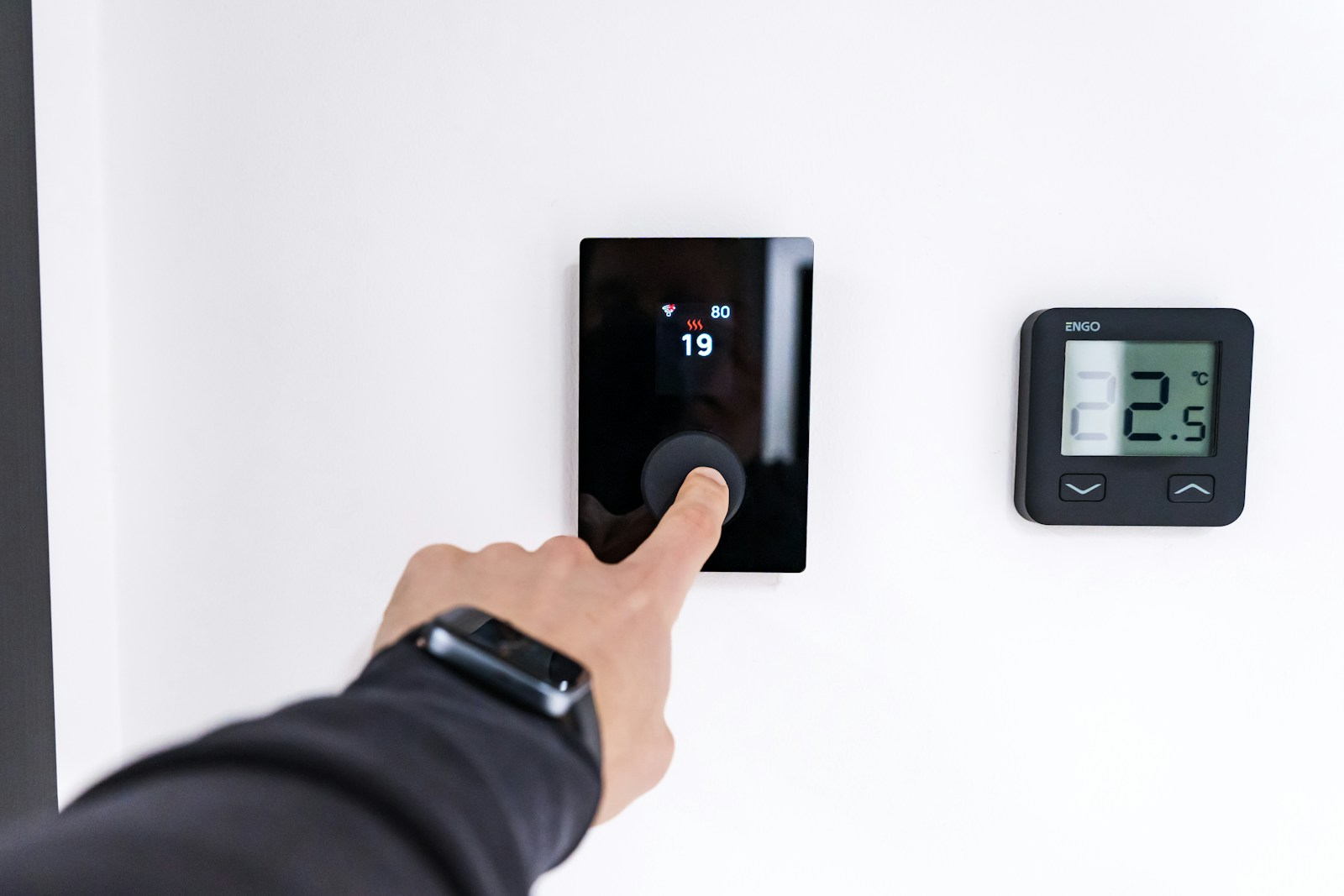
Consider hiring a professional for projects involving:
- Electrical wiring
- Smart switches
- Smart thermostats
- Recessed lighting
- Home networking
- Structured wiring
- Whole-home automation
- Complex installations
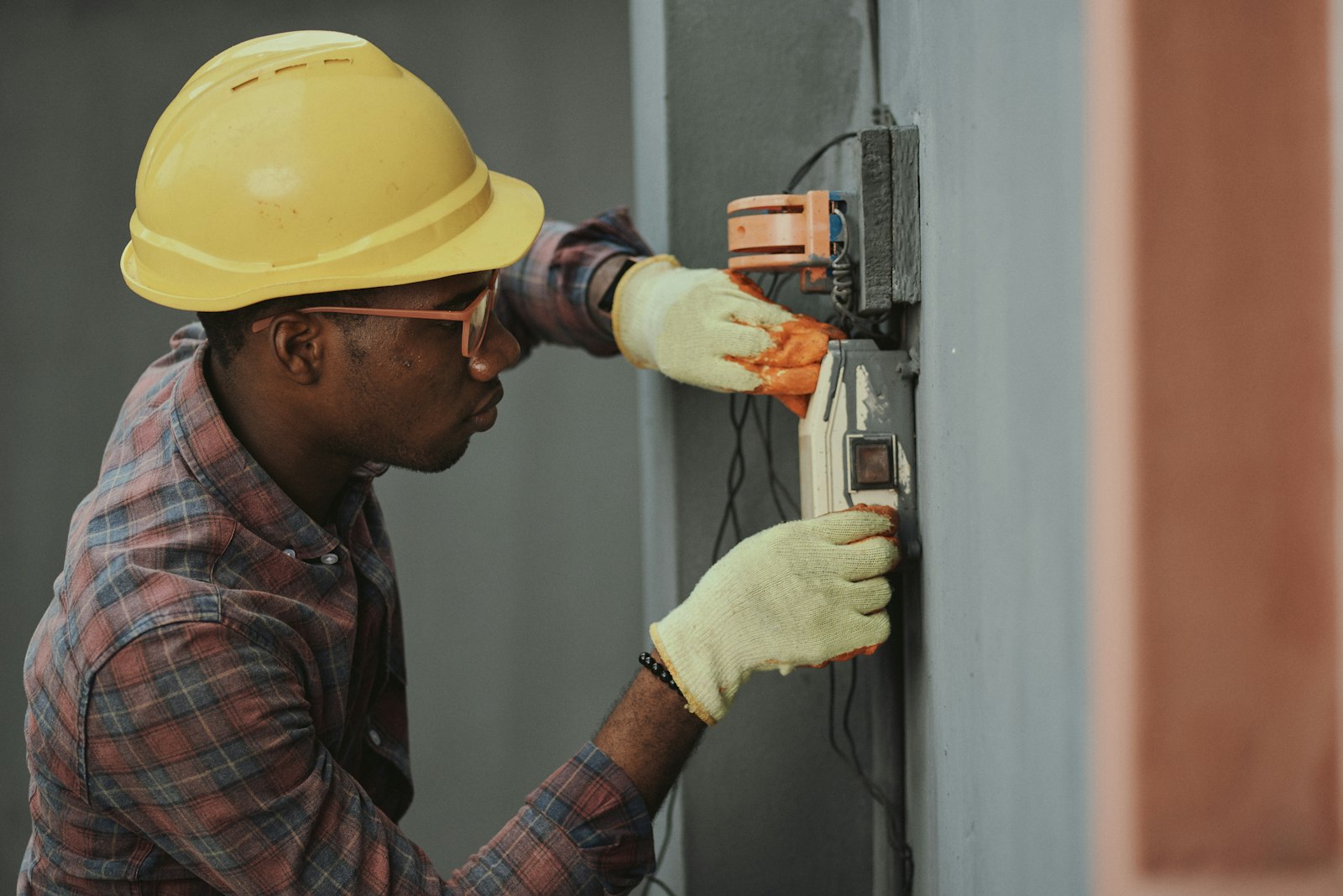
Incorrect electrical installation can create safety risks, so don't attempt work you're not qualified to perform.
A professional can also help design the system so that your devices, network, switches, sensors, and automations work together properly.
How to Build Your Smart Home Step by Step
A practical approach is:
- Step 1: Identify the everyday problems you want to solve.
- Step 2: Choose a smart home ecosystem.
- Step 3: Improve your Wi-Fi or network if necessary.
- Step 4: Install a few smart switches or sensors.
- Step 5: Create simple automations.
- Step 6: Test them with everyone who uses the home.
- Step 7: Add conditions to prevent unwanted behavior.
- Step 8: Expand into additional rooms.
- Step 9: Document and organize your devices.
- Step 10: Continue improving the system based on real-life needs.
Frequently Asked Questions
What should I buy first for a smart home?
Smart switches, smart plugs, motion sensors, door sensors, and a compatible smart home hub or platform are good starting points. Begin with devices that solve a specific problem rather than buying everything at once.
Do I need a smart home hub?
Not necessarily. Some devices can operate directly through Wi-Fi or other technologies. However, a dedicated smart home platform can provide greater flexibility when you're combining devices from different manufacturers.
Is Matter required for a smart home?
No. Matter can improve interoperability between compatible devices, but there are many reliable smart home technologies and devices that don't use Matter.
Are smart home devices difficult to install?
It depends on the device. Plug-in devices and sensors are generally straightforward, while smart switches, thermostats, networking equipment, and more complex systems may require professional installation.
Is a smart home expensive?
It can be, but you don't need to automate your entire house at once. Starting with a few high-value devices and expanding gradually can keep costs under control.
Build a Smart Home That Actually Makes Life Easier
The best smart home isn't necessarily the one with the most devices.
It's the one that works reliably, fits your family's routines, and quietly handles repetitive tasks in the background.
Start small. Solve real problems. Choose compatible equipment. Build reliable automations. And don't overlook the importance of proper installation and a strong home network.
If you're planning a smart switch installation, lighting upgrade, sensor installation, home automation project, or another home improvement job, Contractors2Hire can help you find local professionals for your project.
Find a contractor, compare your options, and get your home improvement project moving.